Cinevood content blogger script live scraping
by Dhanjee Developer · 0 buyers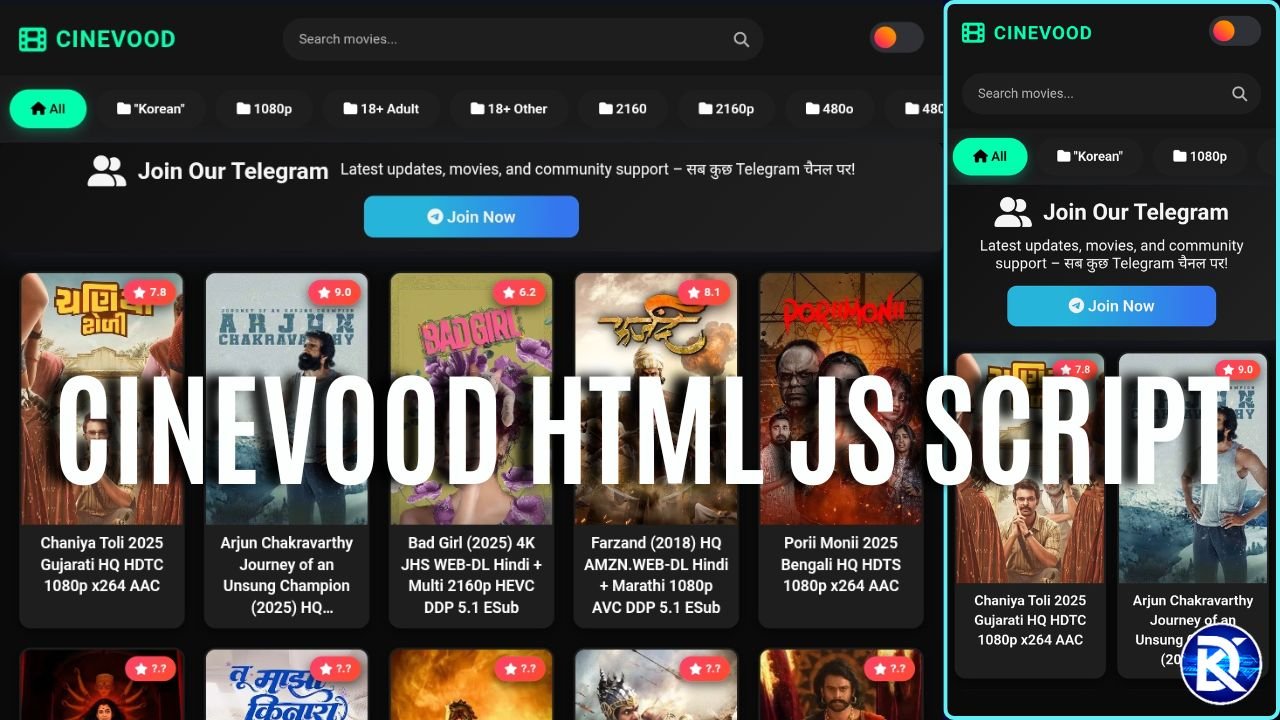
48 bought
this month
8 viewing
right now
Beginner Guide: How to Create a Movie Website Like Cine wood
What is the features
Movie list with posters and preloader
Search bar
Categories slider (Bollywood, Hollywood, Web Series, etc.)
Mobile friendly design
Light/Dark theme
Movie player page
Multiple download links
Screenshot gallery
SEO friendly sharable URLs.
daynamic meta tags on post page
What is drawbacks
You can’t manage post manually
You need to replace domain name when he chenge the domain
It is slow due to load of wp api
What You Need
WordPress website
Posts with movie info and featured image
Basic knowledge of HTML/JS
WordPress REST API (already enabled in WordPress by default)
Step 1: Save the Code
Copy the full HTML code
Save it as index.html
Open it in any text editor (VS Code, Notepad, Sublime, etc.)
Step 2: Change API URL when domain changed
Find the line:
Step 3: Upload the Page
Upload index.html to your hosting.
If you place it in root folder with name index.html, it will open directly: https://yourwebsite.com
Step 4: Change Colors and Logo
To change color: Find CSS variables:
Replace color codes with your own.
To change logo text: Search this line:
Replace with your site name.
How to Write WordPress Posts
Your post should have:
1. Featured Image
Upload a movie poster as featured image.
2. Download links
Example:
3. Screenshots
4. IMDb rating (optional)
5. IMDb Link (optional)
What the Code Automatically Does
Finds download links from many hosting sites
Finds screenshots from image upload sites
Shows IMDb rating if found
Updates URL like: https://yourwebsite.com?post=123
Makes sharing possible with direct link
Testing
Check movie list
Try search
Open a movie and check: Poster Player Screenshots Download links
Poster
Player
Screenshots
Download links
Copy URL and open in new browser
Check category buttons
Try theme switch
Common Problems & Solutions
Problem: No movies showingCheck: https://yourwebsite.com/wp-json/wp/v2/postsIf it loads JSON, API is working.
Problem: Images not loadingMake sure every movie has a Featured Image.
Problem: Download links not showingLinks must be inside h6 and tags.
Problem: Categories emptyCreate categories and assign posts.
Customization
Add new download domains:
Add new image hosts:
Change posts per page:
Change 20 to any number up to 100.
Change movie player embed link:
SEO and Performance
Use Cloudflare or any CDN
Compress poster images
Page uses lazy loading
WordPress auto-manages SEO titles and tags
Final Notes
After setup:
Add more movies in WordPress
Add logo and favicon
Connect Google Analytics
Add your site to Search Console
Your site will look similar to CineVood fully dynamic through WordPress, but front-end is a fast custom HTML interface.
Highlights
- ✓ Movie list with posters and preloader
- ✓ Search bar
- ✓ Categories slider (Bollywood, Hollywood, Web Series, etc.)
- ✓ Mobile friendly design
- ✓ Light/Dark theme
- ✓ Movie player page
No reviews yet. Be the first!
Write a Review
Support tab me product help, installation notes, and customer questions dikha sakte ho.
Related Products
View all →
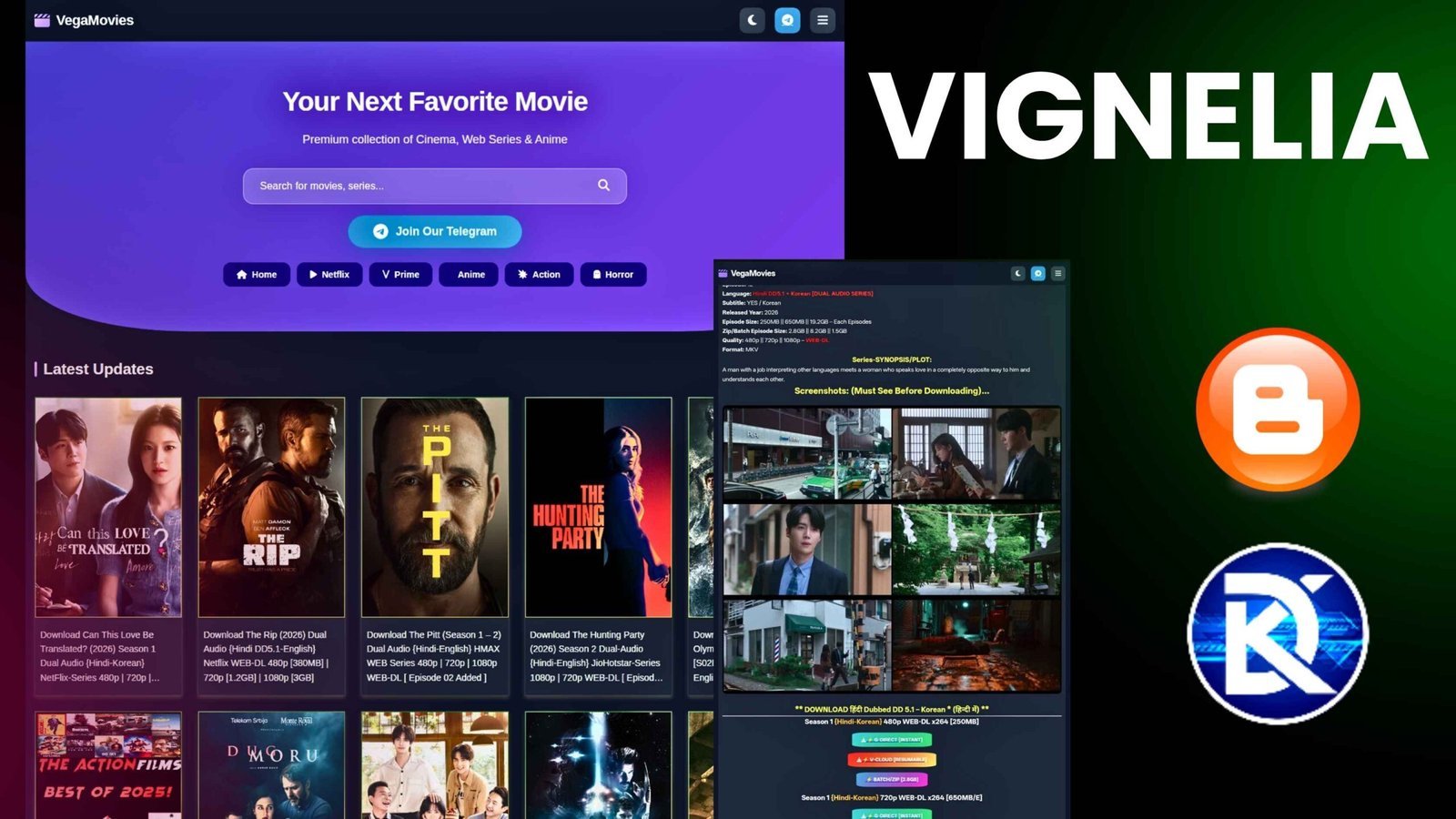
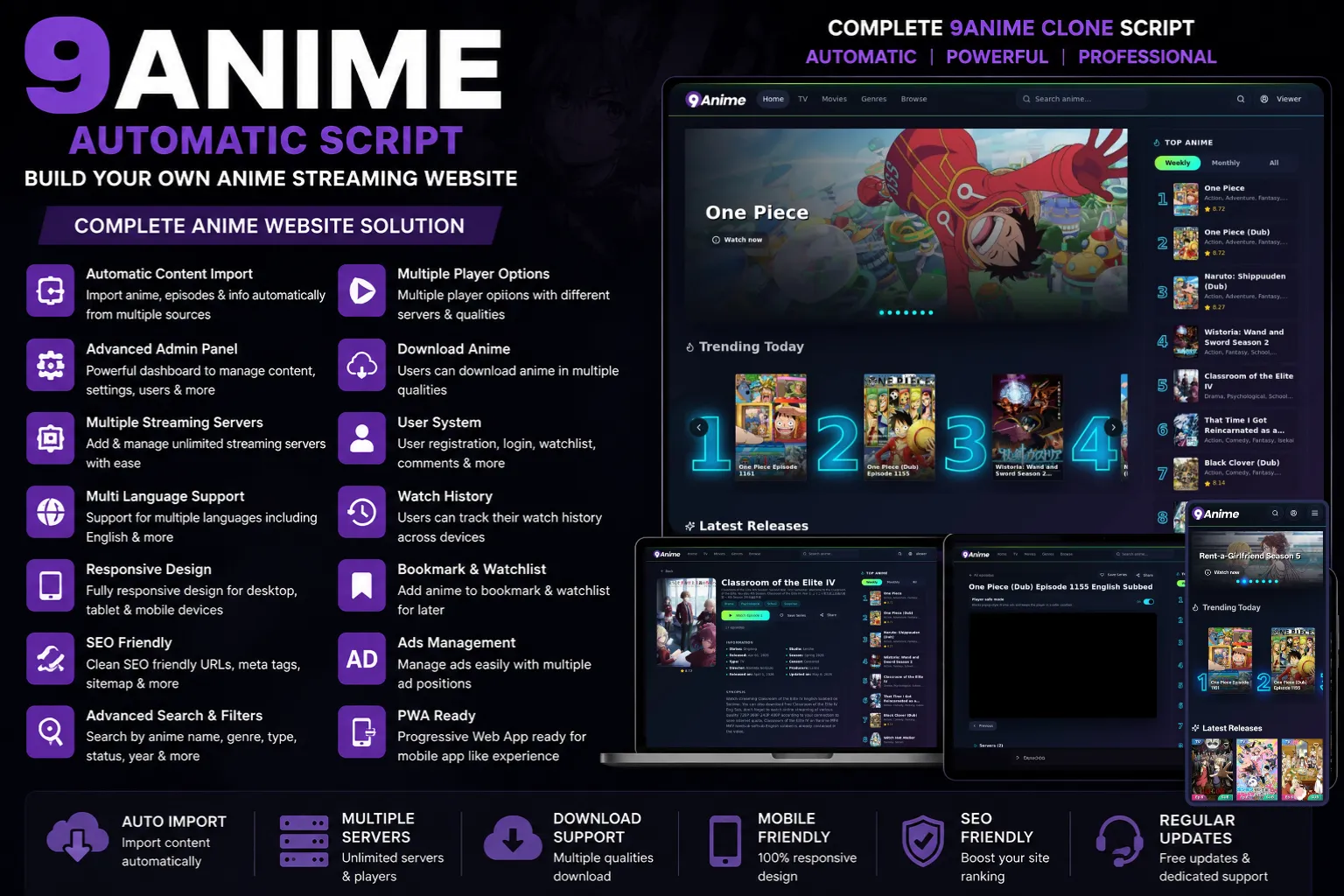
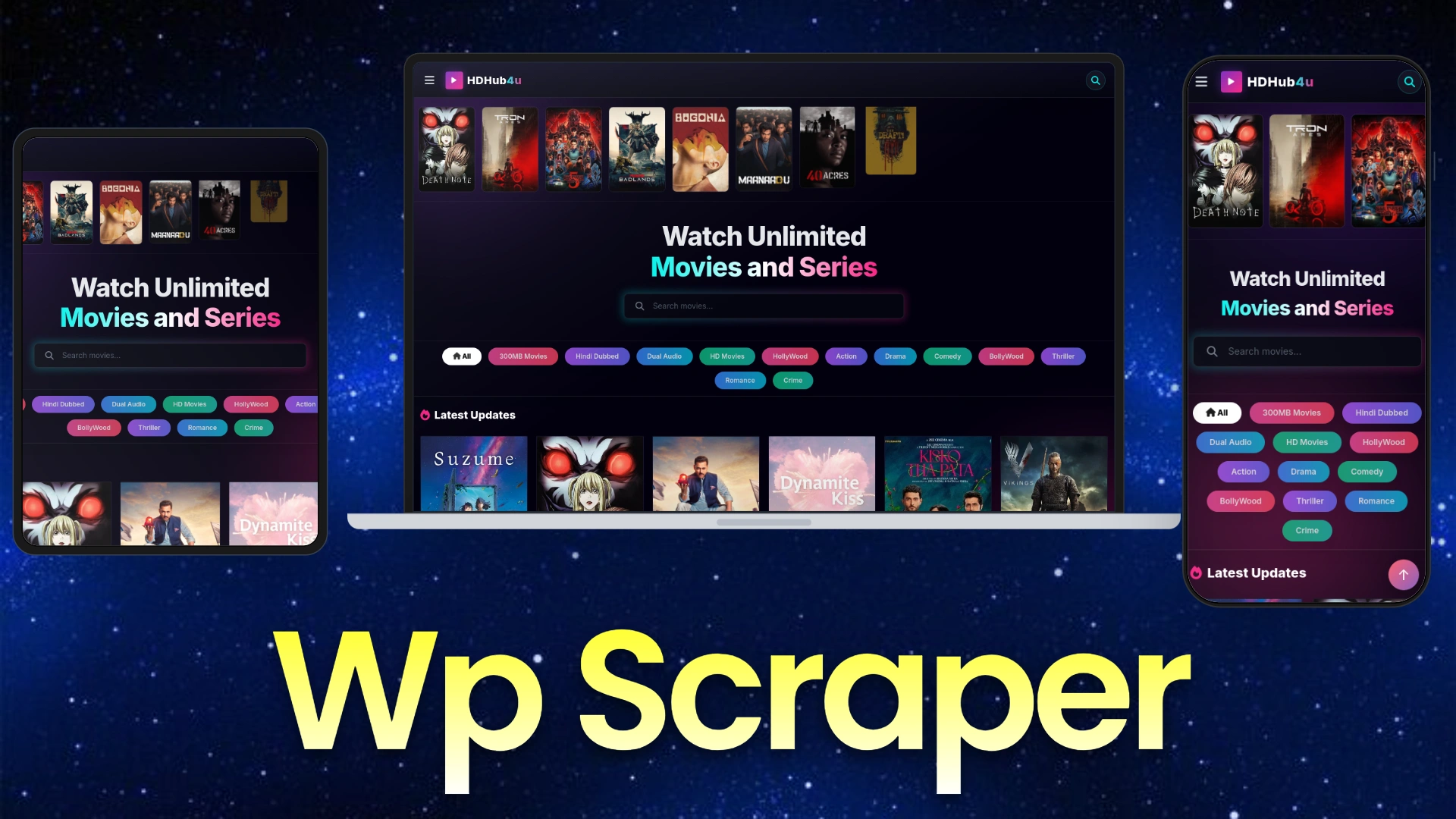
Wp Movie auto scraper Script – Smooth, Fast & App-Like!
by Dhanjee Developer in Auto blogging
₹999
0 Sales
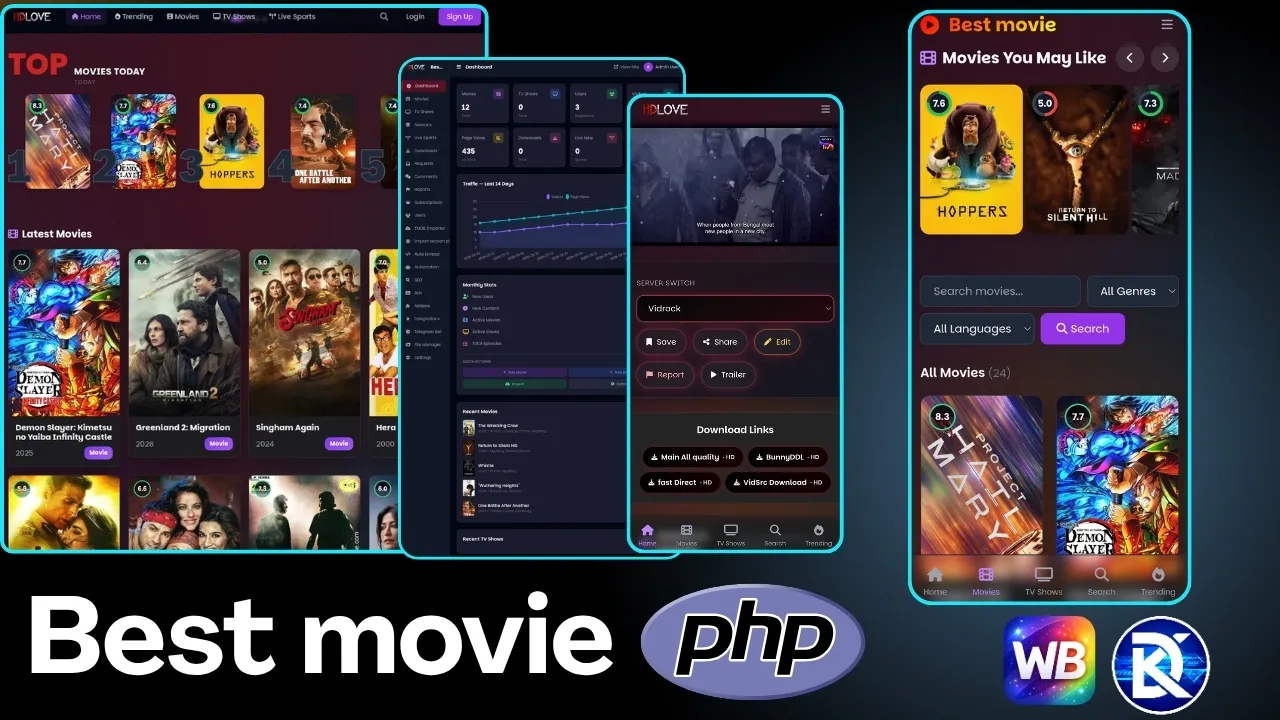
Best movie php script A feature rich Movie platform
by Dhanjee Developer in Auto blogging
₹5,555
0 Sales
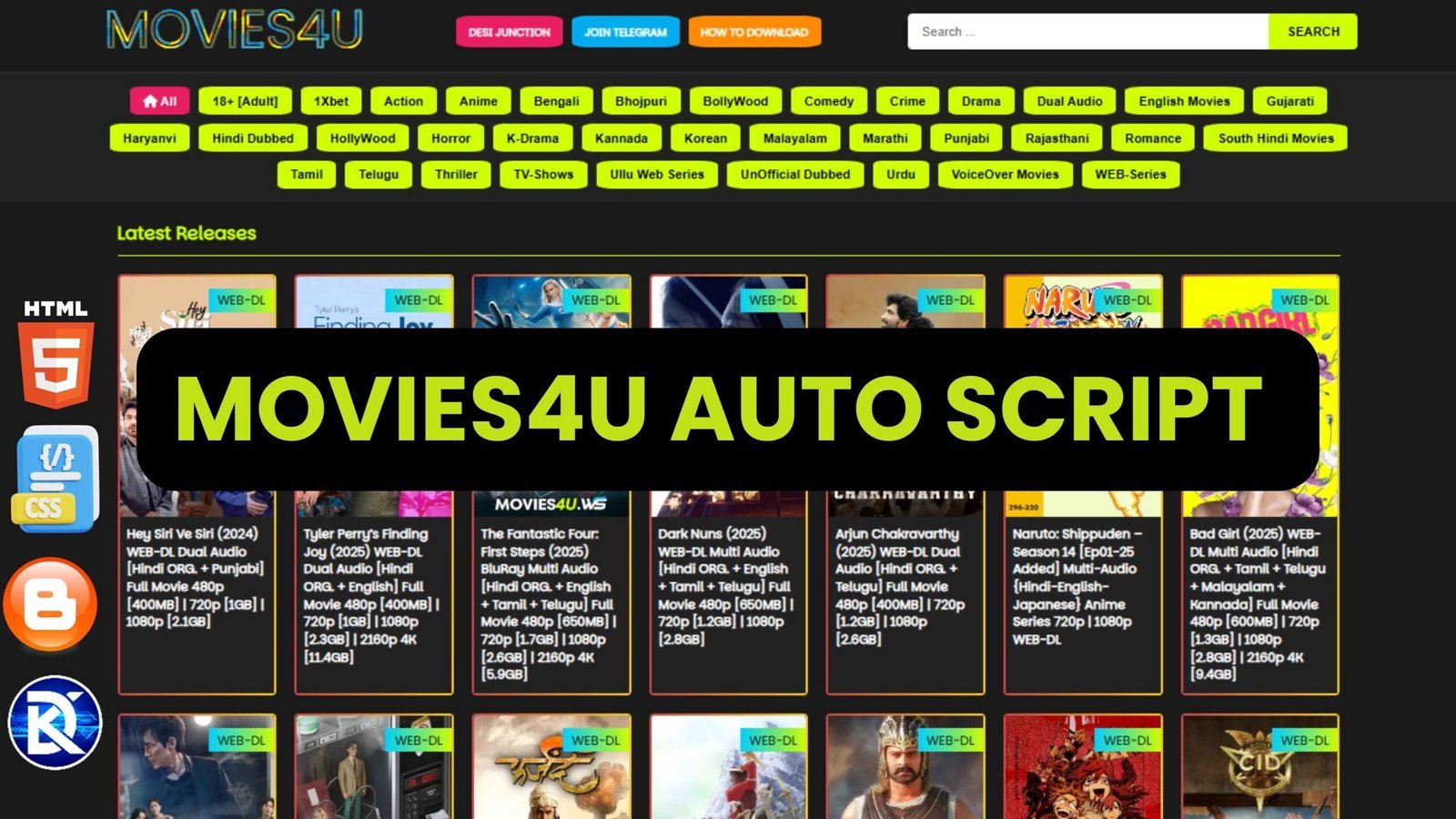
Movies4u Auto blogging Script for Blogger and file manager
by Dhanjee Developer in Auto blogging
₹999
0 Sales